Bot accounts
Notitie
Both bots and agents can be controlled directly through Jami’s peer-to-peer network.
What is a Bot Account?
A bot account is a Jami account that can be controlled by external applications or scripts using an API token. Its profile contains markers identifying it as a bot and indicating which account controls it.
API access and bot accounts are currently supported only on the desktop version of Jami (Linux, macOS, and Windows).
Requirements
Jami desktop version (Linux, macOS, or Windows).
An existing Jami account.
OpenClaw installed (only required when using the OpenClaw plugin).
Creating a Bot Account
In Jami, open Settings → App Access. Click Create Bot to launch the bot creation wizard. You can optionally choose a profile name for your bot.
Your Bot’s API Token
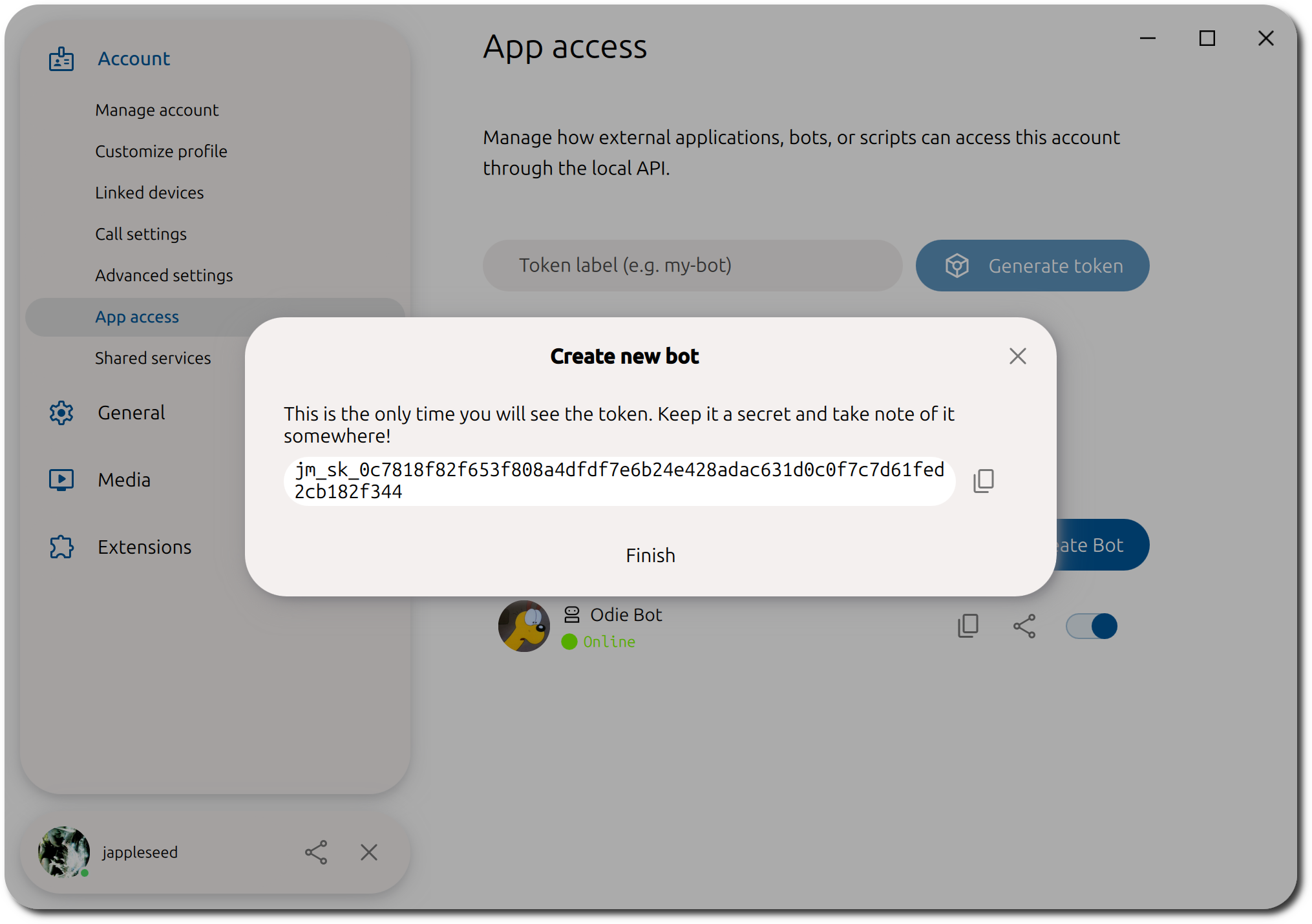
After configuring your bot’s profile, Jami displays the API token. Copy and store the token securely. It is displayed only once.
Belangrijk
Never share your bot’s API token!
After creating your bot, you can add it as a contact in your Jami account.
Interacting with Your Bot
Search for your bot’s JamiID, available from the App Access page, and add it as a contact. The contact request is accepted automatically within a few seconds.
 OpenClaw
 Quadratic